Posted January 5th 2026.
Written by Kristian Hansen.
1. Swap Variables
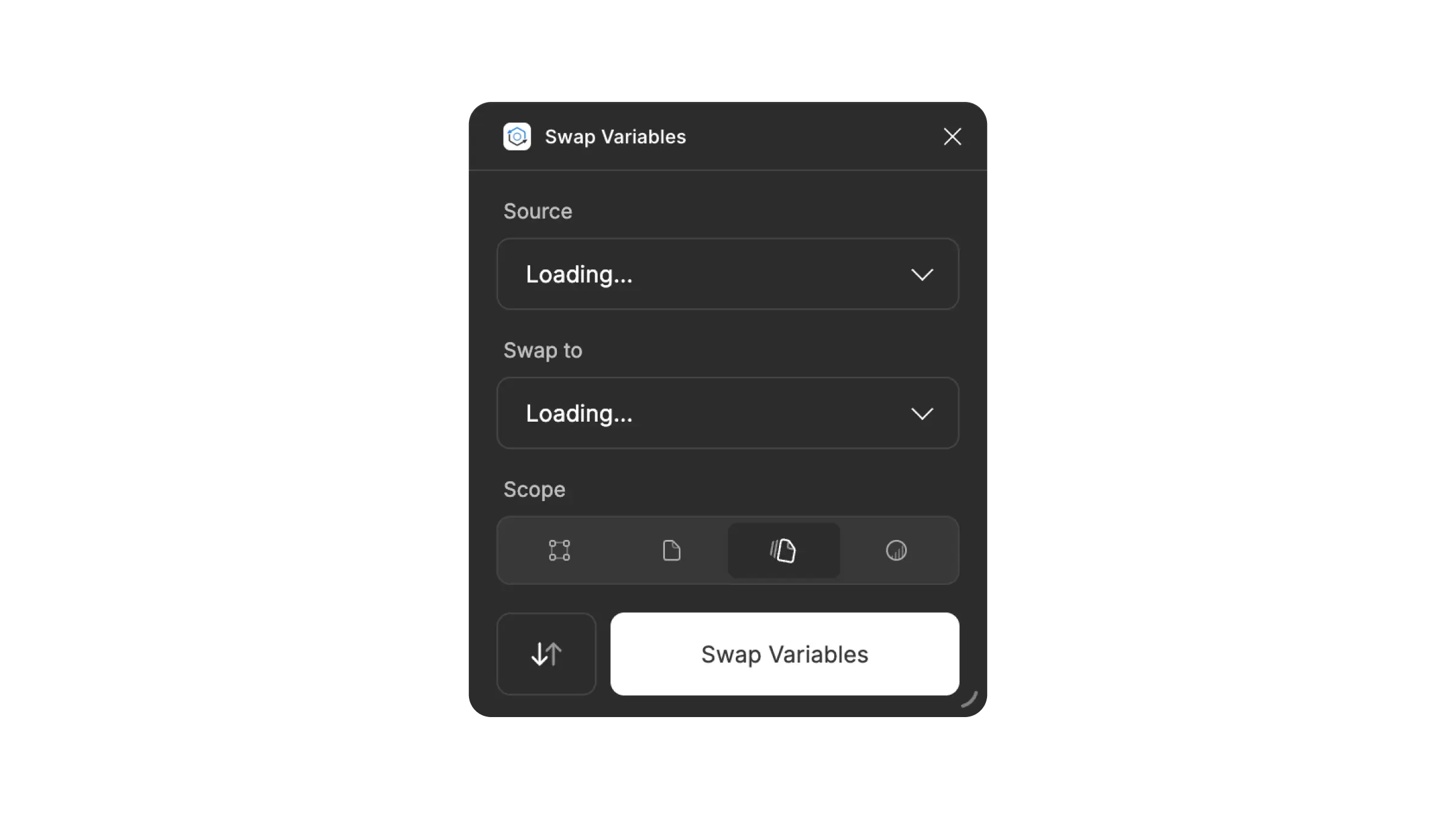
Swap Variables allows you to take replace Figma Variables from one library with ones from another library.
Use Case
This is an essential plugin if you’re using Figma’s Swap Library feature to generate themes while simultaneously using Figma Variables. Swap Library does, at the time of writing, not support swapping of Variables (no, really).
Another really valuable use case is when things go wrong. Maybe you encountered Ghost Variables? Or accidently disconnected your variables from your design tokens while restructuring naming? No problem. This plugin takes unlinked and ghost Variables and hooks them back up to your current library.
Instance Finder
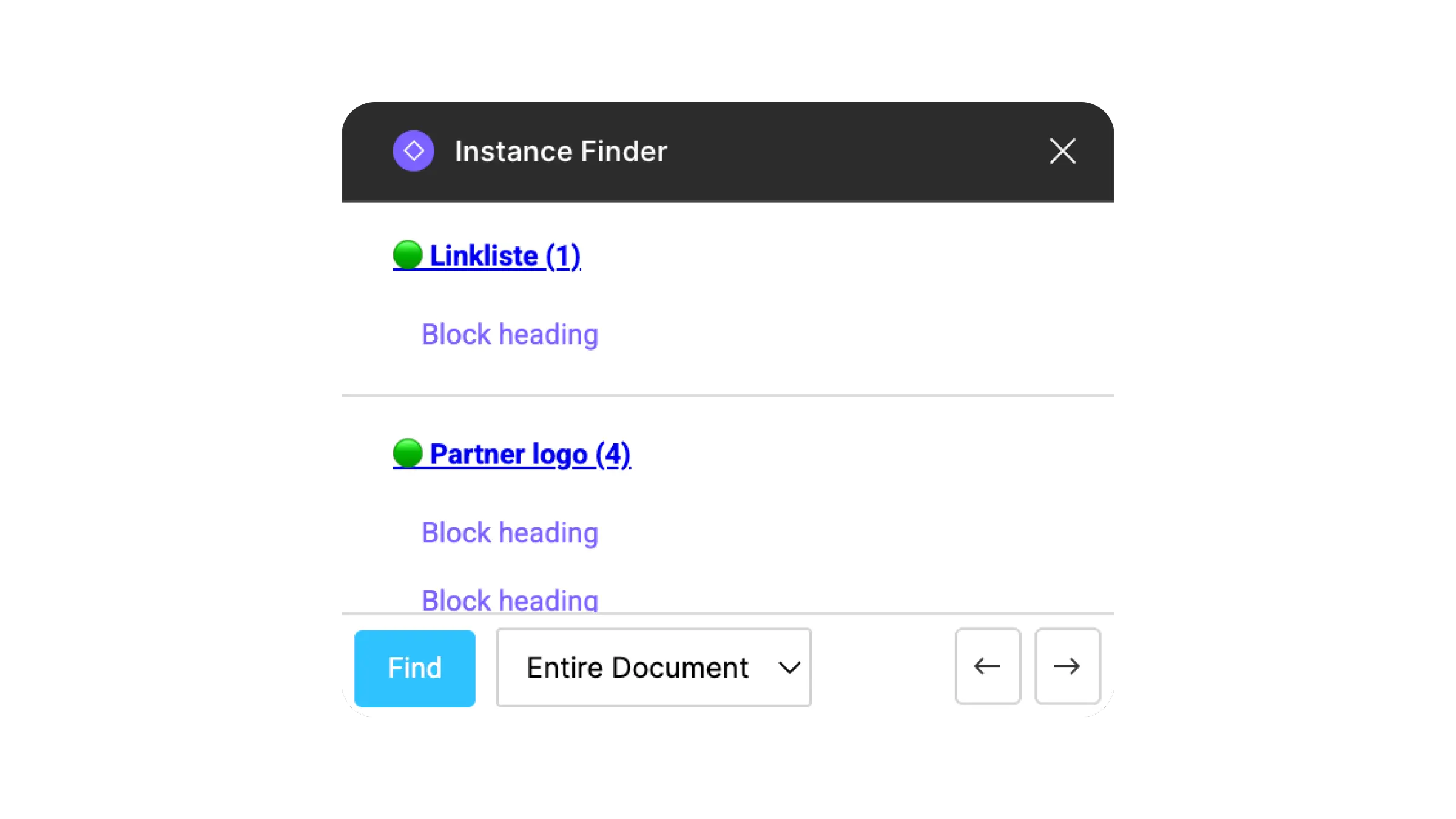
Instance Finder allows you to select a component and view all instances of that component with anchor links across pages in an entire document.
Use Case
Extremely good for locating and swapping deprecated components. Also very useful to monitor component usage. Good for explaining global consequences of changes or removal of components to clients or stakeholders.
Variant Switcher
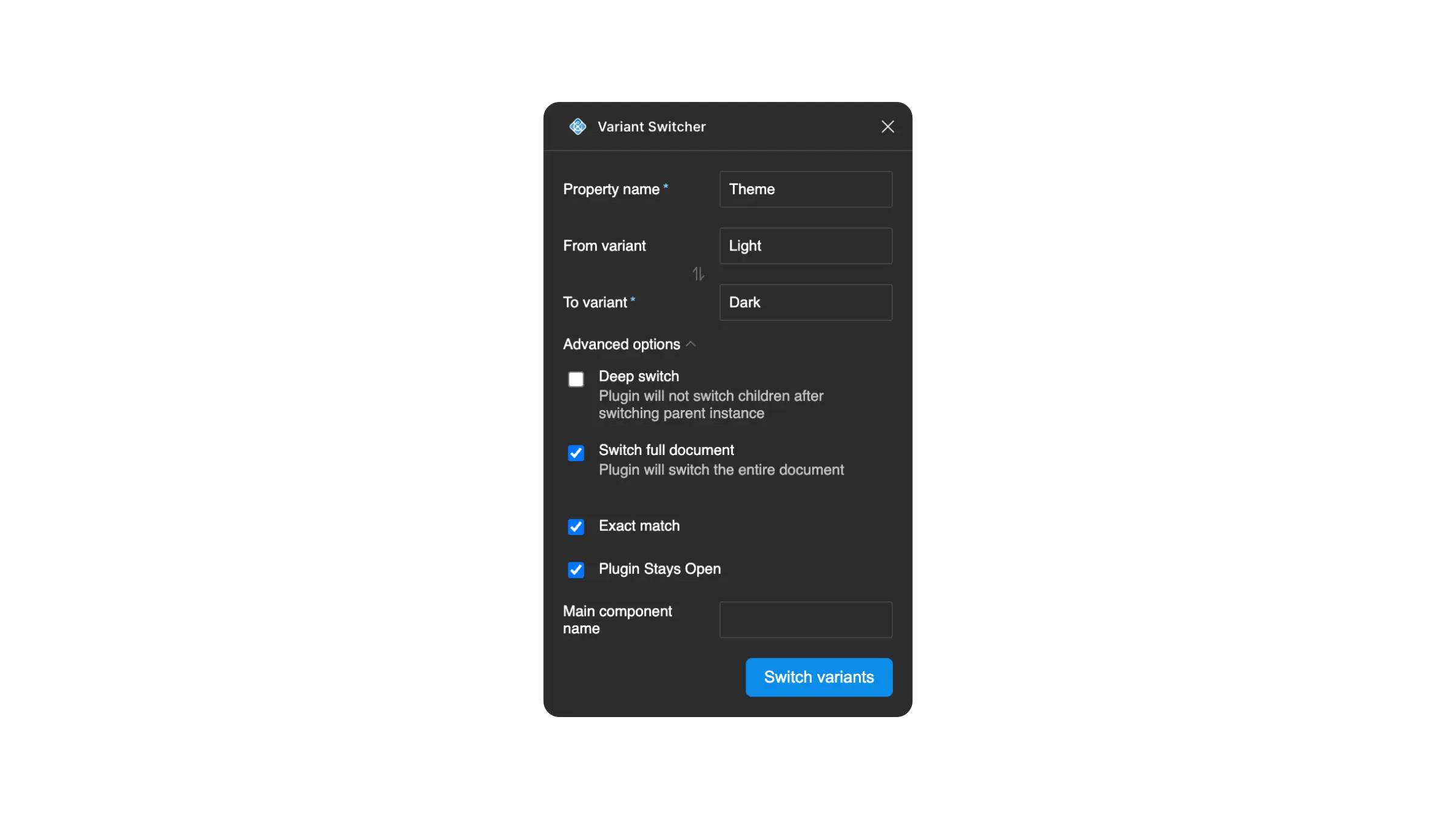
Variant Switcher allows you to bulk switch variants for one component in an entire document.
Use Case
Very useful for components with stylistic variants like icon/no icon or multiple colorways. Makes it easy to generate and maintain different themes from a central library. Just a huge time saver in general if you’re working with a themeable design system or indecisive clients.
Style Finder
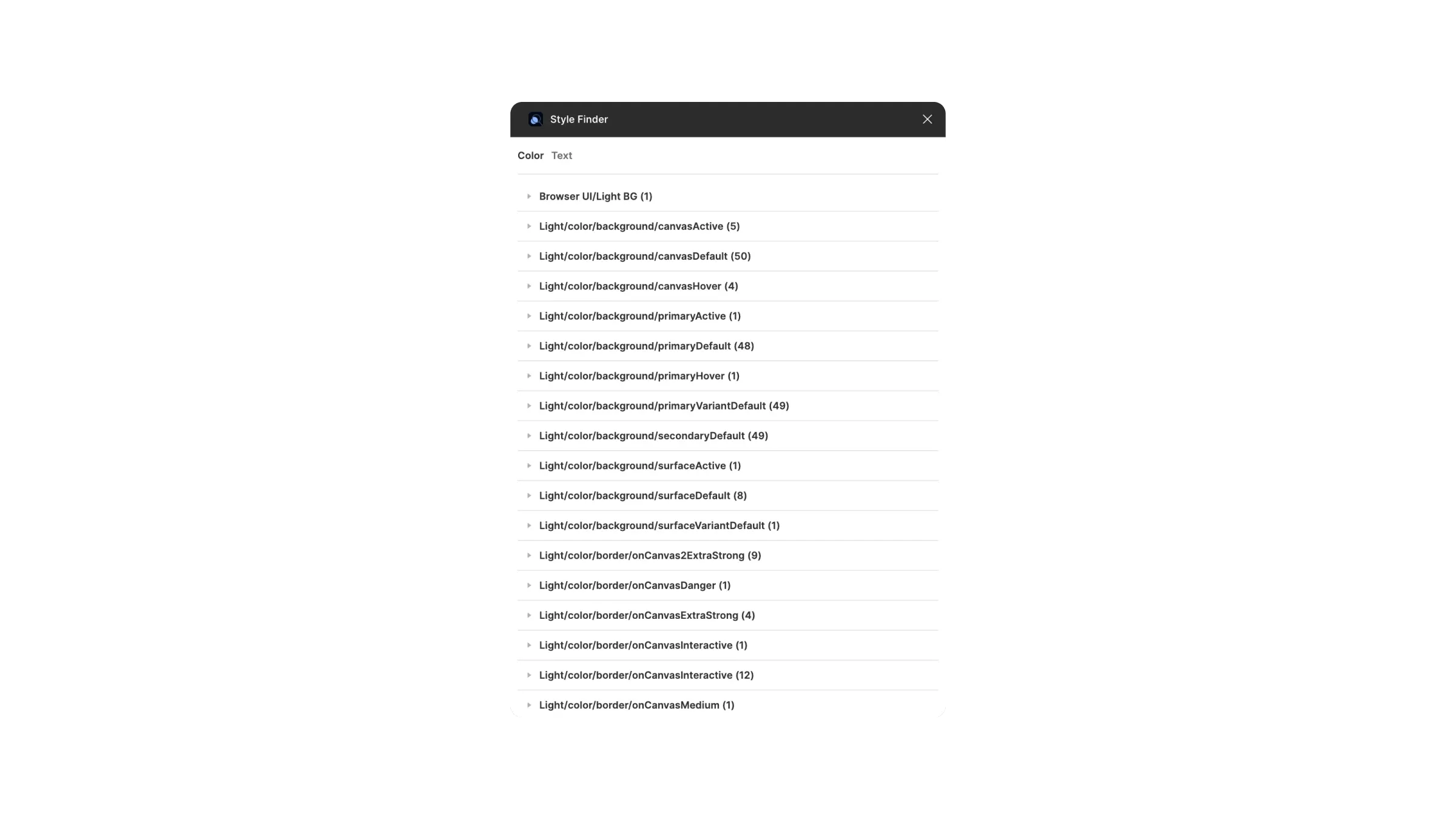
Style Finder allows you to see all color and text styles using in a document with anchor links.
Use Case
While this plugin can take a cup of cofee to load, it’s a wonderful clean up tool. Maybe you’re finding that Swap Library is identifying deprecated styles? They’re most likely inside a detached deprecated component in a hidden layer somewhere. Good look finding them without Style Finder.
Use Case
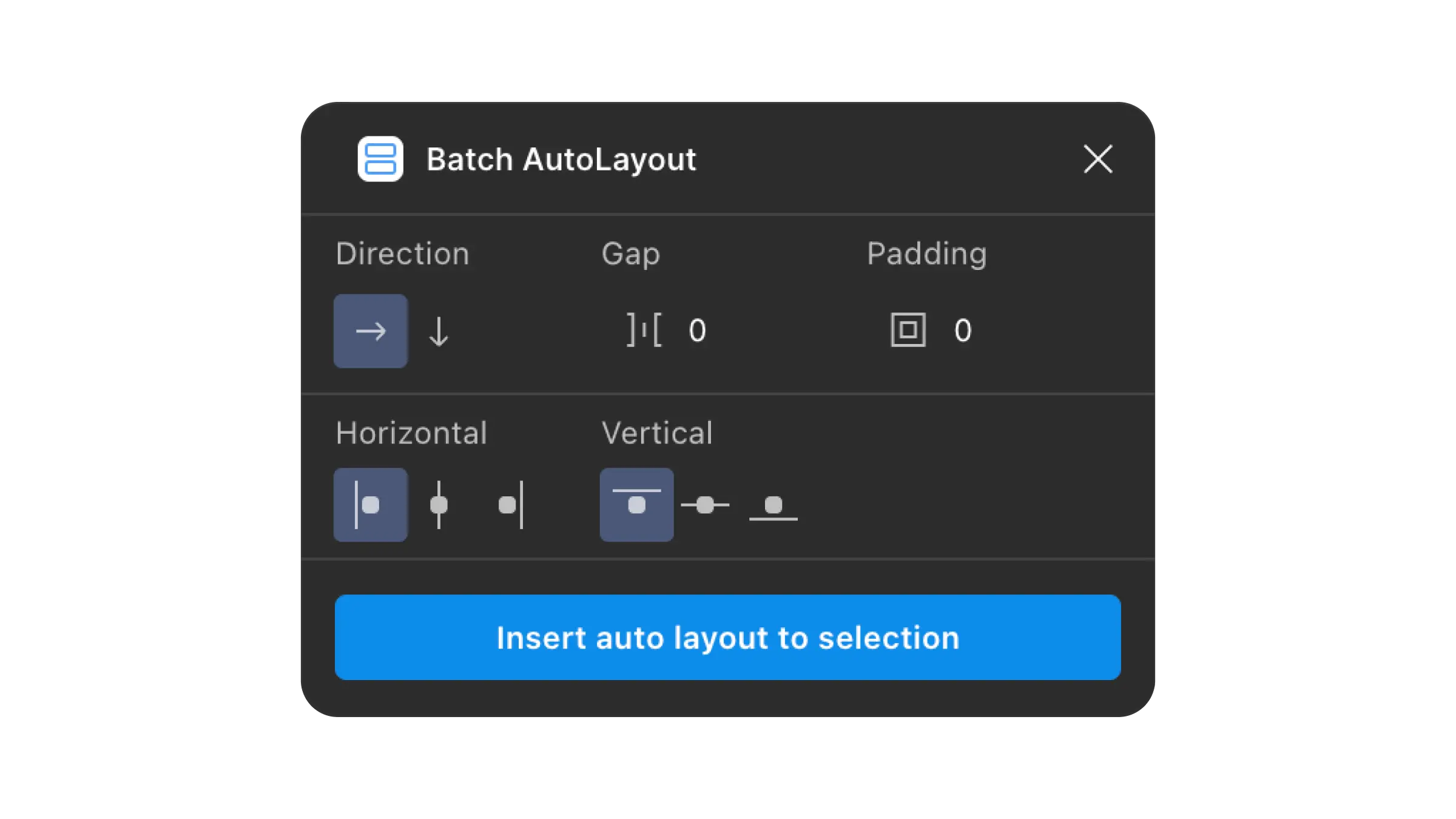
When retrofitting or expanding a complex component with many variants, this plugin is golden.